
Face & location
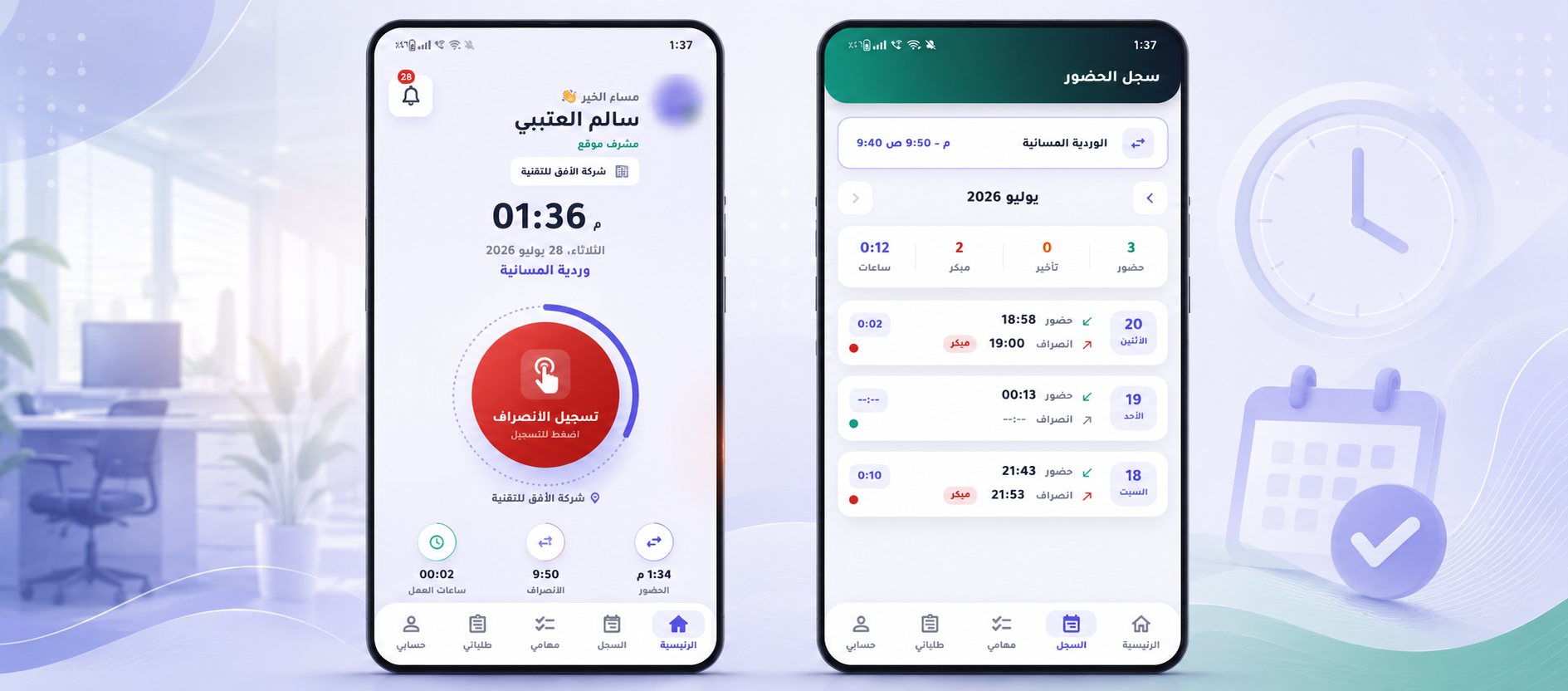
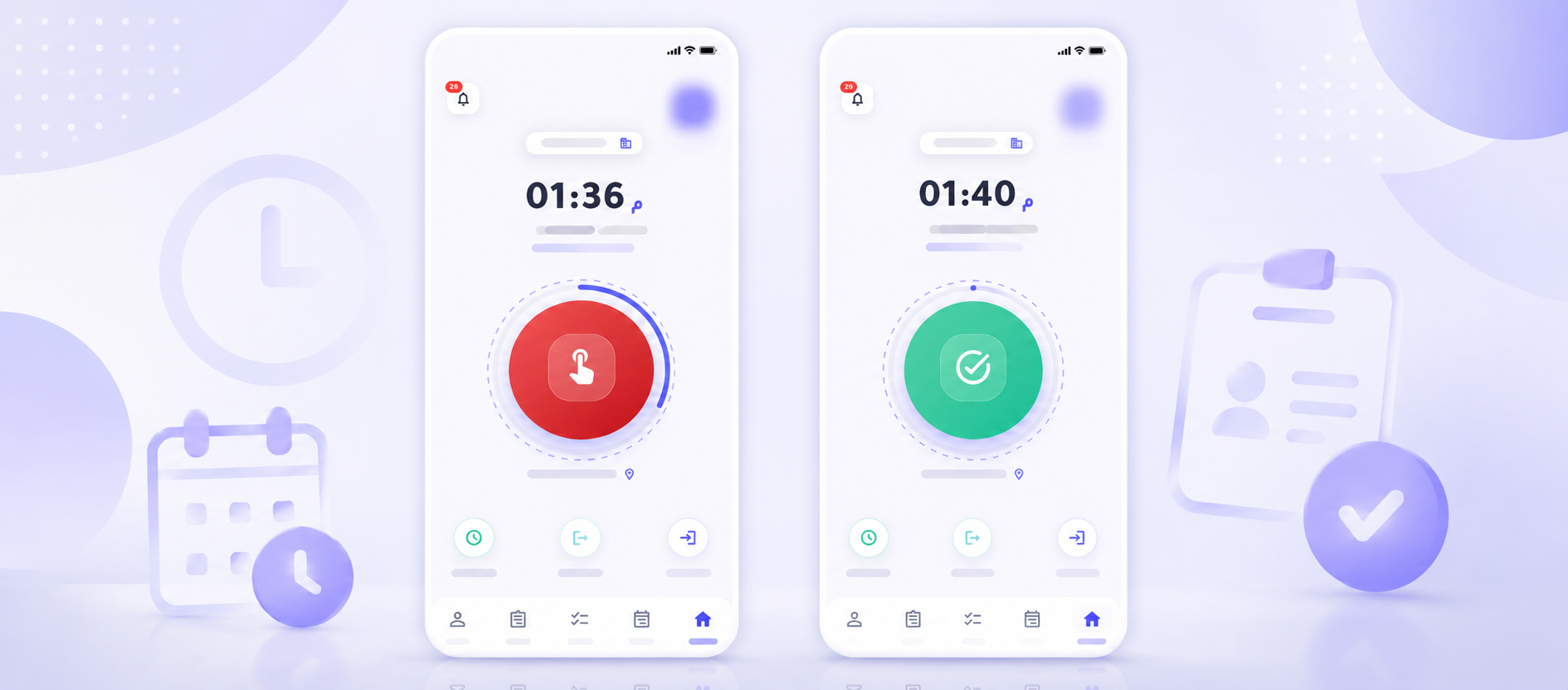
Face capture plus GPS verification from the employee’s own phone — no hardware.
Employee files, payroll and leave · task assignment and tracking · customers and invoices — all built on smart attendance that employees record from their own phone with face and location verification.
Six core modules and two optional ones — working together from check-in to journal entry.
Face capture plus GPS verification from the employee’s own phone — no hardware.
Morning, evening or overnight — each with its own grace period.
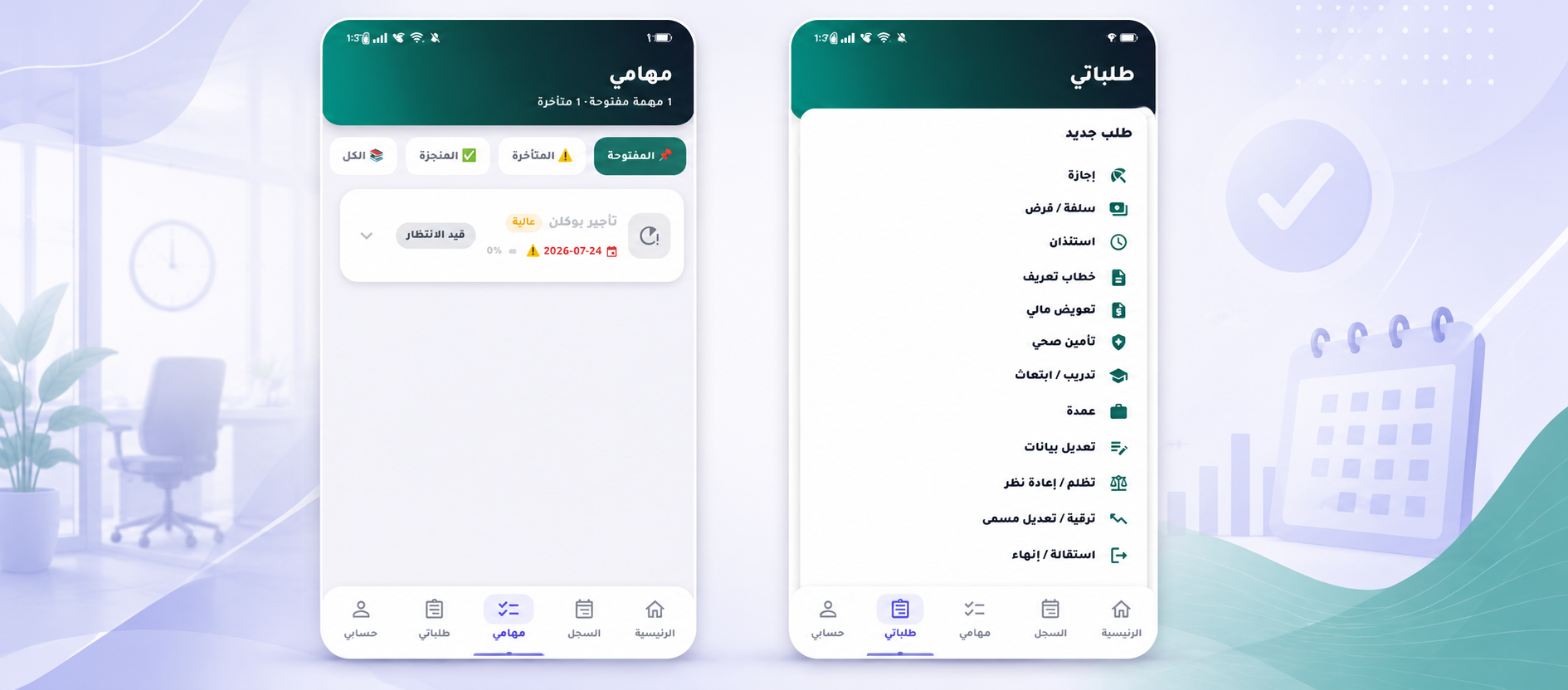
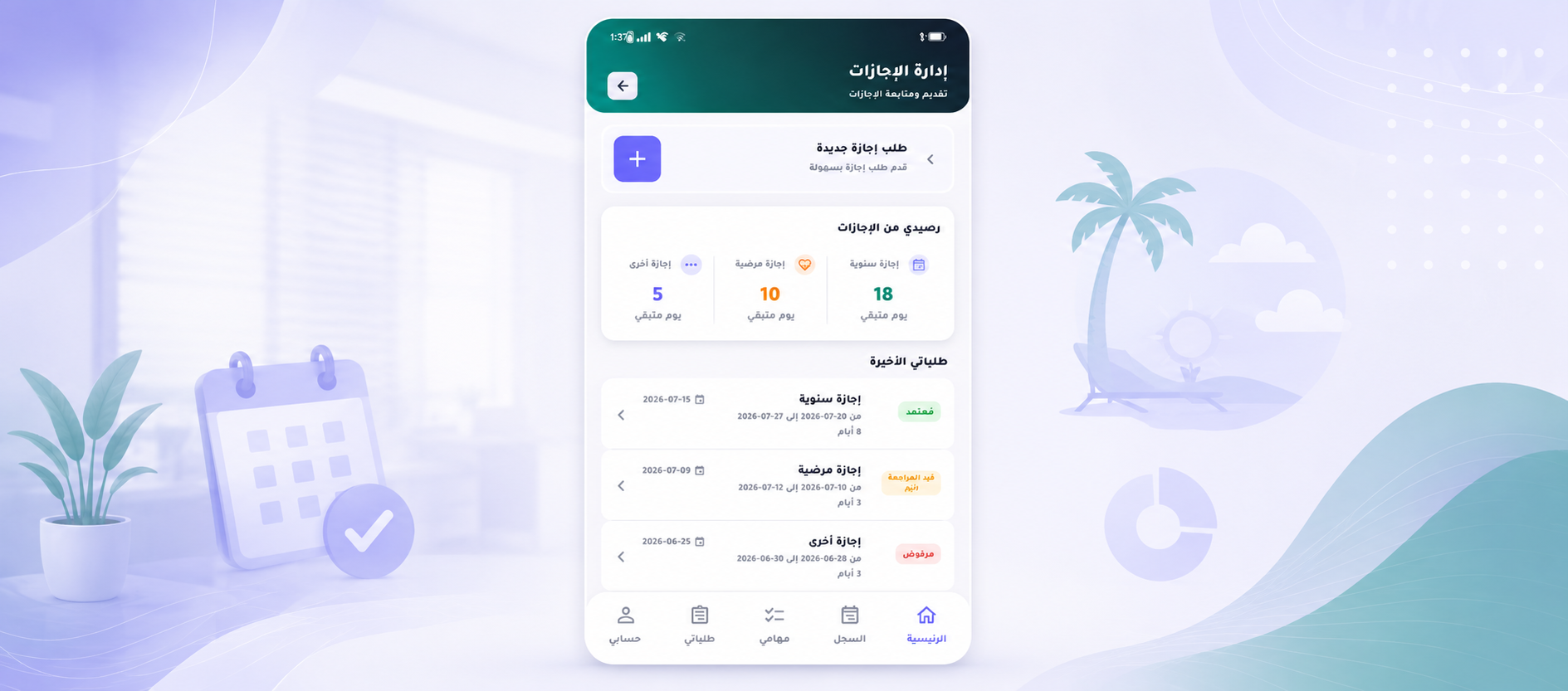
Documents with expiry alerts, leave, advances, promotions — 11 operation types.
Deductions, allowances and overtime from real attendance — with bank export.
Chart of accounts, vouchers, 15% VAT and five financial reports.
Shift reminders, plus alerts on every violation and request.
Assign tasks and track them on a Kanban board.
Opportunities, quotations and tax invoices.
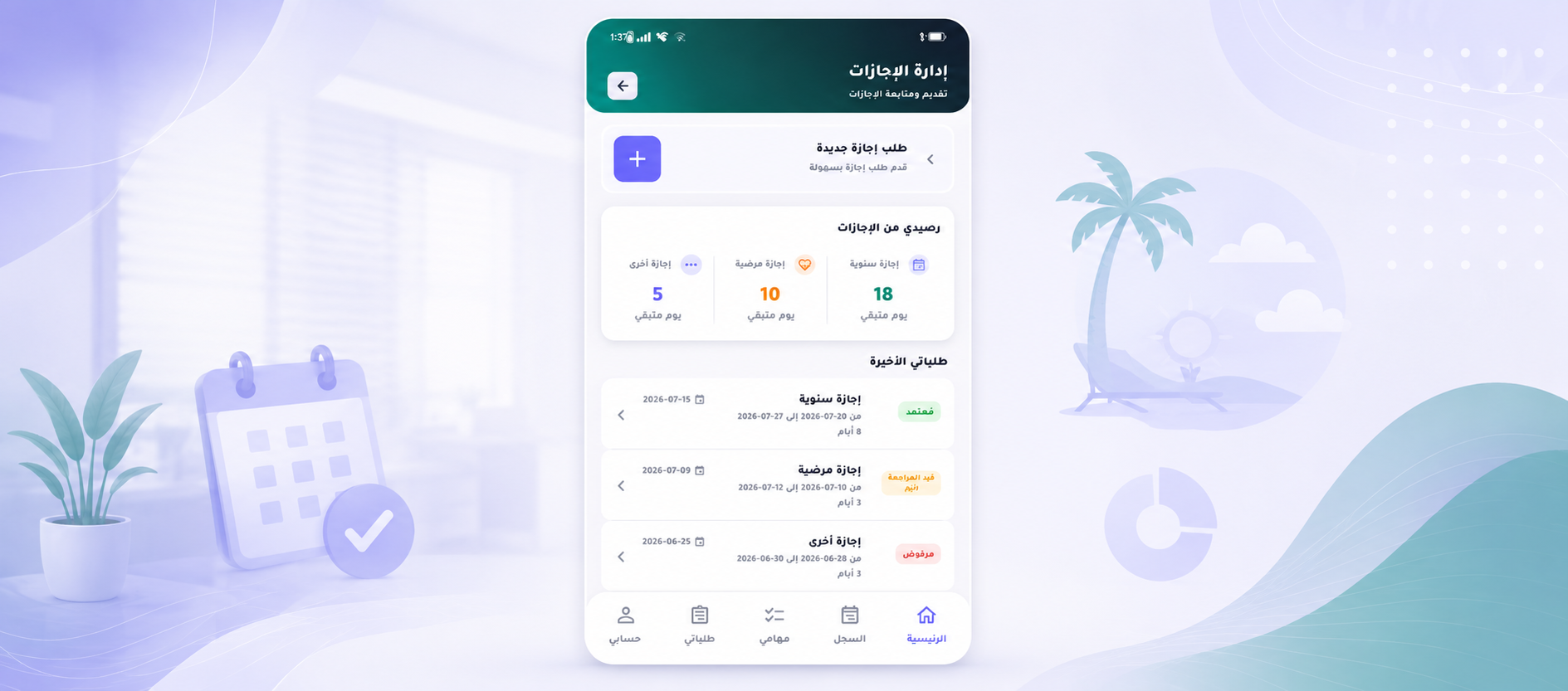
Smart location checks, instant notifications and one-tap requests — on iOS and Android.
Pay monthly or yearly, and lock in up to five years. Card or mada, bank transfer, or cash at the office.
Up to 2 employees
Up to 10 employees
Up to 25 employees
Up to 200 employees
Up to 500 employees
Up to 150 employees
Add them to any plan and switch them on from your portal.
You get into your company portal immediately after signing up — the subscription activates as soon as payment is confirmed.
Your company details and the admin account.
Card or mada, bank transfer, or cash at the office.
Your location on the map, then shifts, then employees.
Your team starts clocking in from their phones.
No. Clocking in happens on the employee’s own phone using a face capture and a location check — no hardware to buy or maintain.
From real attendance: worked hours, lateness and absence under the deduction policy you define, with advances settled automatically.
Card or mada online, bank transfer, or cash at the office. Your subscription activates as soon as the payment is confirmed.
Yes — upgrade or extend at any time from the “My subscription” page inside your company portal.
Yes. The interface supports Arabic and English, and each user can keep their own language preference.
Signing up takes minutes, and activation is immediate once payment clears.